Create your restaurant menu in under 5 minutes

Enter your dishes and prices, choose a menu style, and GridMenu does the rest — layout, food photos, and a finished menu ready for digital sharing or PDF export.

No designer. No photographer. No complicated tools.

How GridMenu works

How GridMenu works: three steps — add dishes and prices, choose a menu style, get your finished menu

Choose a menu style that fits your brand

Every restaurant has its own personality. GridMenu offers thousands of style combinations so your menu looks exactly right for your venue.

Fonde de la Noche menu created with GridMenu — a vibrant, Mexican fiesta design
Breakfast menu created with GridMenu — a striking, elegant menu design
Indian restaurant menu created with GridMenu — a showcase for grid-based menu design

Why food and beverage businesses use GridMenu

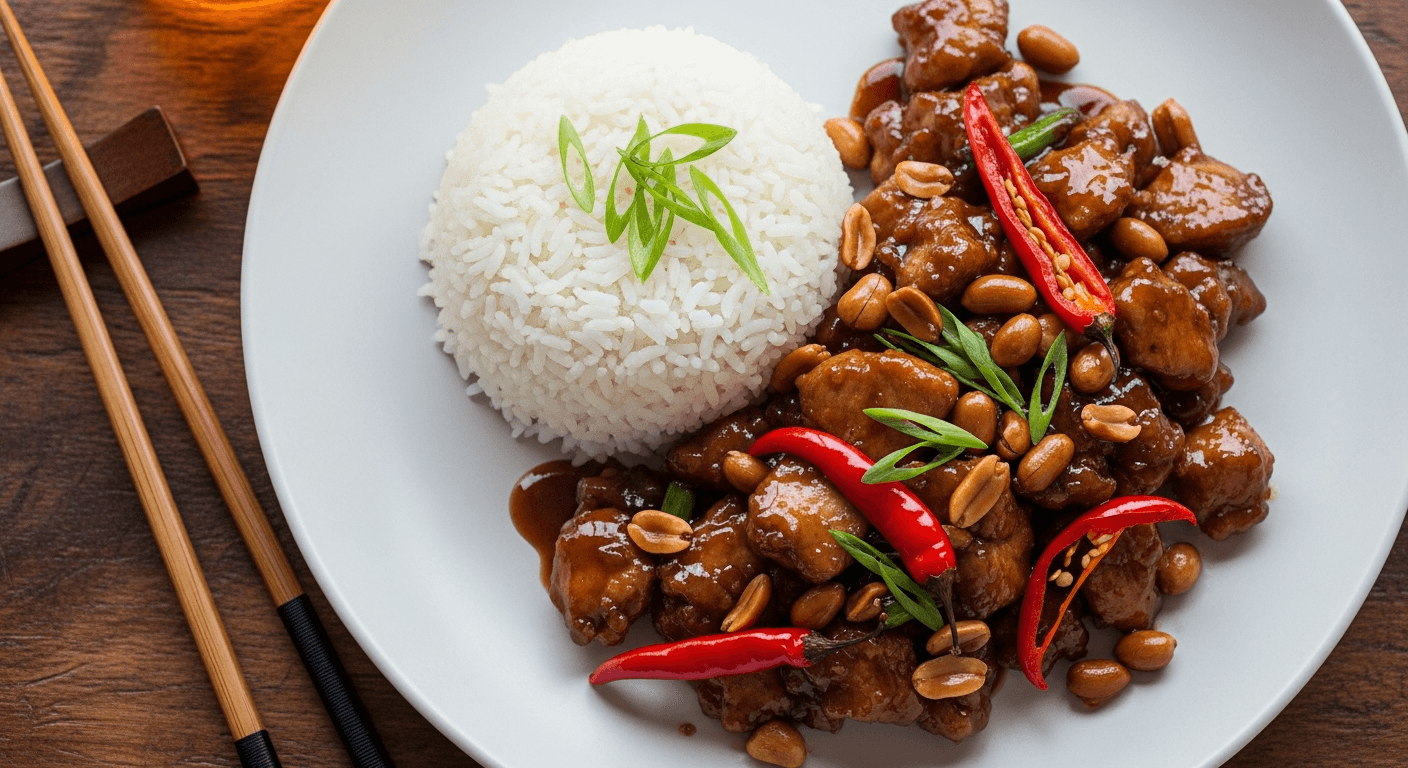
AI food photos — no photographer needed

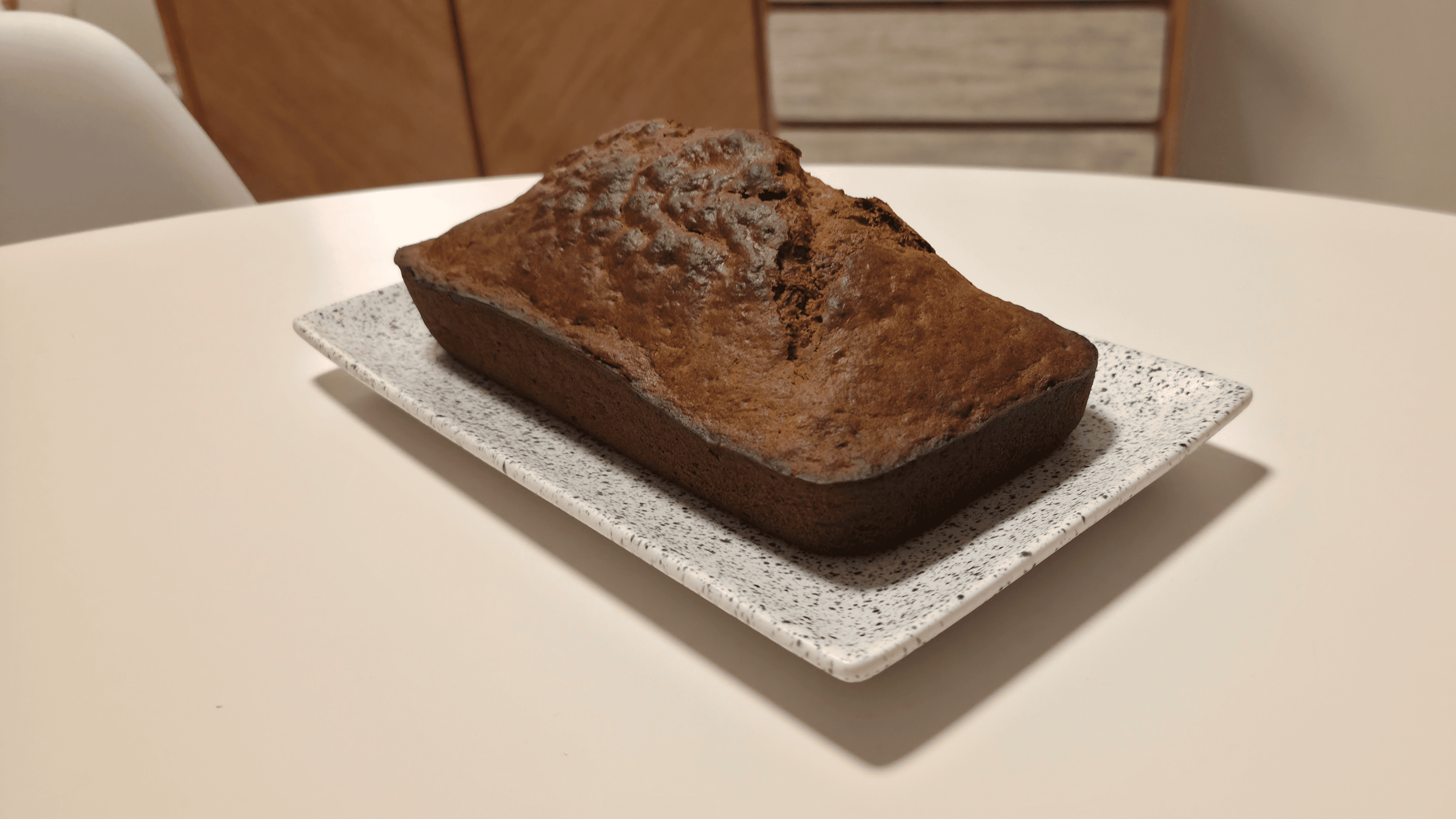
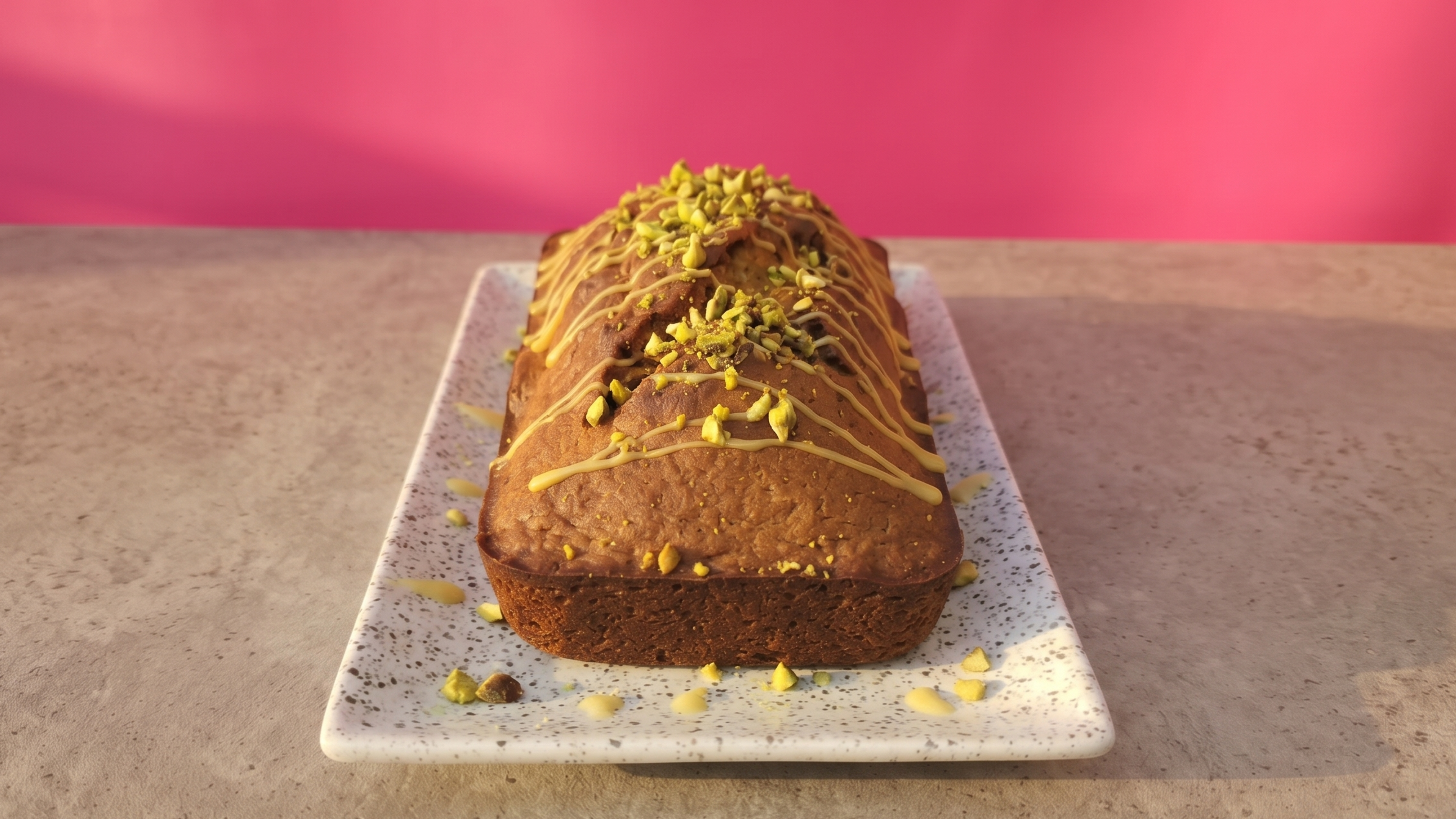
Every dish gets an appetizing AI-generated photo. Your menu looks polished and professional without a photo shoot.

Save time on menu creation

Go from a list of dishes to a finished, professional menu in minutes — not hours. No back-and-forth with a designer.

No design skills required

GridMenu handles typography, layout, and spacing automatically. You just focus on your food and prices.

Digital and PDF-ready output

Share your menu as a link customers can open on any device, or export a print-ready PDF for physical menus.

Start from scratch — or use an existing menu as a starting point

Already have a menu? Take a photo and GridMenu will extract your dishes and prices automatically. Or start fresh and build from the ground up — either way takes just minutes.

A photo of a printed breakfast menu — the kind you can photograph and upload to GridMenu for automatic extractionHannah's Café menu created with GridMenu — the finished result after extracting and styling a menu

Common questions

How long does it take to create a menu?
Simple menus can be ready-to-use in under 5 minutes. More complex menus can take 15 minutes or more, depending predominantly on the number of items.
Do I need design skills to use GridMenu?
Not at all. GridMenu takes care of typography, layout, and even food photos. You focus on your dishes and prices — the design is handled automatically.
Can I use my existing menu as a starting point?
Yes. You can take a photo of your current menu and GridMenu will extract your dishes and prices so you don’t have to type everything from scratch.
Can I export my menu as a PDF?
Absolutely. Every menu you create can be exported as a print-ready PDF or shared digitally with a link your customers can open on any device.
How many menu styles are available?
GridMenu offers thousands of style combinations. You can mix fonts, colours, and layouts to find something that fits your venue — and switch styles any time without re-entering your dishes.
Do I need to hire a food photographer?
No. GridMenu uses AI to generate appetizing food photos for your dishes automatically, so your menu looks professional without a photo shoot.

Have more questions? Visit our support page

Ready to create your restaurant menu?

Get a polished, professional menu in minutes — no designer or photographer needed.